TrueScope for Final Cut Pro
True anamorphic, in one effect.
Shooting anamorphic shouldn't mean figuring out how to desqueeze it in post. Drop TrueScope on a clip, pick your camera and lens, and it handles the squeeze, the aspect ratio and the framing for you.
Before / after
Squeezed in. Cinema out.
This is what a camera records through a 1.5x anamorphic lens: everything squeezed into a narrow frame. Drag the slider to watch TrueScope stretch it back to true proportions.
Fluted glass portrait. Squeezed, the ribs crowd together; desqueezed, they space out evenly.
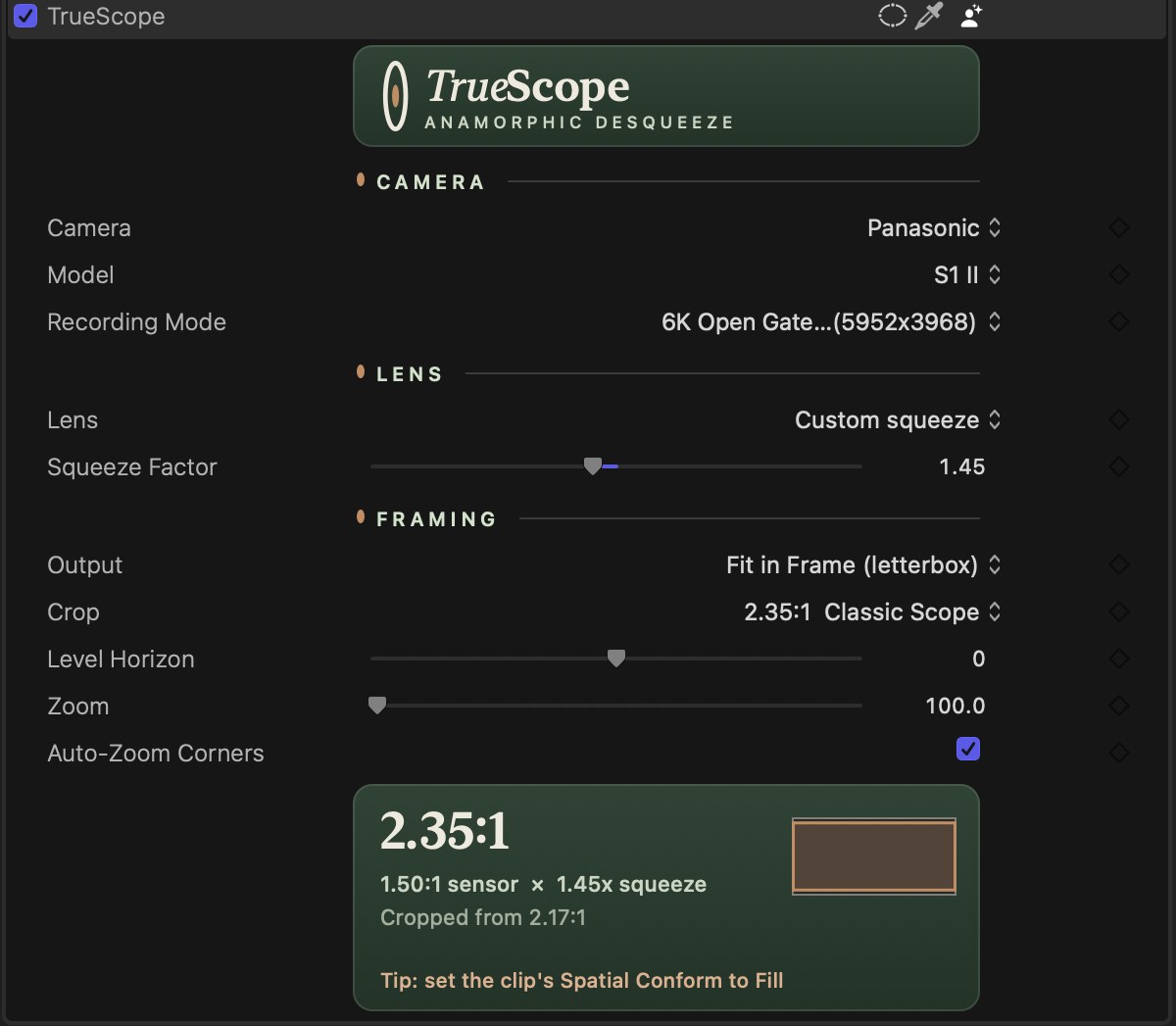
Built for real cameras
Your camera. Your lens. Your frame.
- 01Camera presets
Open gate, 4:3 and anamorphic modes from Sony, Panasonic, Blackmagic, Nikon, Canon, Fujifilm, RED and ARRI, checked against the spec sheets.
- 02Lens presets
Blazar, DZOFilm, Sirui, Laowa, Atlas, Vazen, Viltrox and more, plus a custom squeeze for anything else.
- 03Coverage check
TrueScope warns you when a lens won't cover the recording mode you picked, before you see dark corners in the edit.
Scope crops
Every scope ratio, one click.
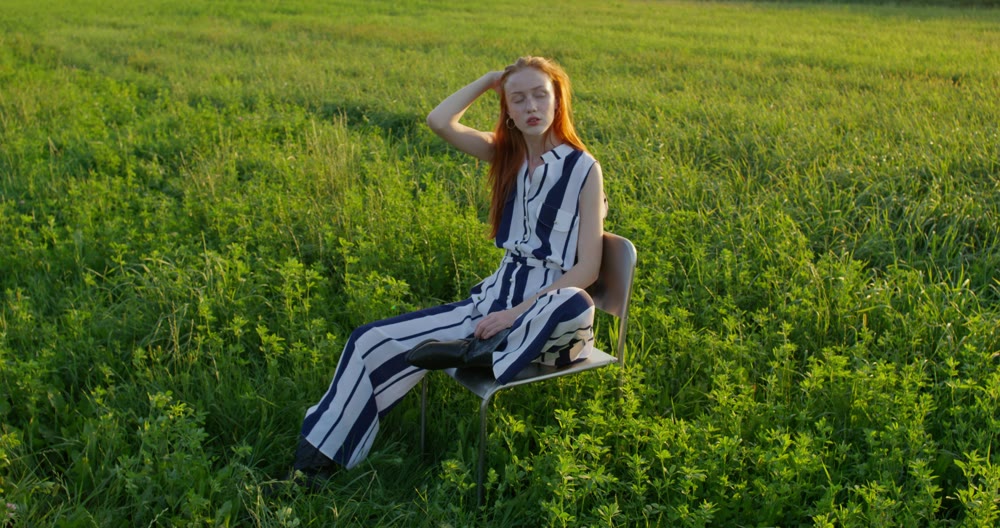
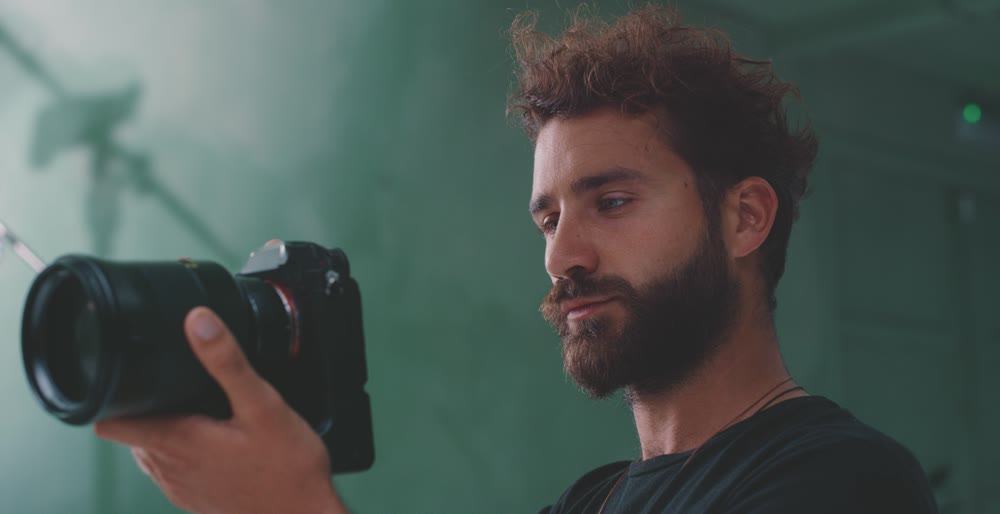
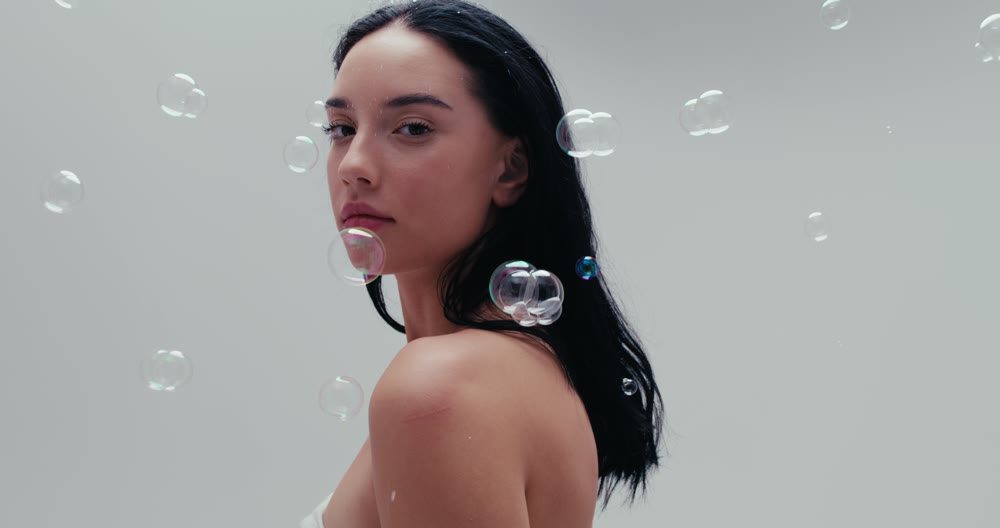
Letterbox to a classic ratio inside any timeline, or type your own.
Level and zoom
Fix the horizon. Keep the bars.
Final Cut's own rotation and scale tilt your letterbox along with the picture. TrueScope works inside the frame, so the bars and crop stay exactly where they are.
Straighten a crooked horizon after the desqueeze, so a 1.5° fix stays a true 1.5°. Auto-zoom hides the corners, the bars never tilt, and it can be keyframed.
Push in up to 400% to reframe a shot while the letterbox stays locked. Keyframe it for a slow push-in.
How it works
Three choices. Done.
- 1
Drop it on a clip
Drag TrueScope from the Effects browser onto any clip or compound clip.
- 2
Pick camera and lens
Choose your camera, recording mode and lens. The squeeze is set for you.
- 3
Frame it
Fit the whole picture with letterbox bars, or fill the frame. Add a scope crop if you want one.
Questions
Good to know
When can I buy it?
TrueScope is in final testing. Join the list below and we'll email you on launch day.
My camera or lens isn't listed. Can I still use it?
Yes. Choose "Any Camera" and "Custom squeeze", then enter your lens's squeeze factor. Presets just save you the math.
Why are there black bars on the sides in my 16:9 timeline?
Final Cut fits taller clips, like open gate, inside the timeline. Select the clip and set Spatial Conform to Fill, and the scope picture spans the full width. TrueScope reminds you of this right in the inspector.
Does it work on compound clips?
Yes. Apply it to a single clip or a compound clip, like any other Final Cut effect.
What do I need to run it?
A Mac running macOS Sequoia 15.6 or later and a current version of Final Cut Pro. We'll publish the full requirements at launch.
Shoot anamorphic. Edit like it.
TrueScope is almost ready. Leave your email and we'll tell you the day it launches.